 VirtFlowers
A virtual bouquet with your photo in a frame
A frame stands next to the bouquet with your picture in it: a photo of the two of you, a childhood photo, a shot from a trip. The recipient opens the gift in Telegram, sees the photo beside the flowers and places them on their own table through the phone camera.
Choose a bouquet in Telegram Or send the orchid for freeThe frame and the photo cost nothing extra; you pay only for the bouquet. The orchids and the amaryllis with a photo are free to send.

- Frames
- five to choose from, upright or sideways
- Photo
- from your phone gallery, cropped by you
- Price
- the frame is free, bouquets from 111 Stars
- Recipient
- sees the photo beside the bouquet on screen and on the table
How it looks in the app
Real screens. You pick the frame with cards and crop the photo with your fingers; no photo editor needed.
-
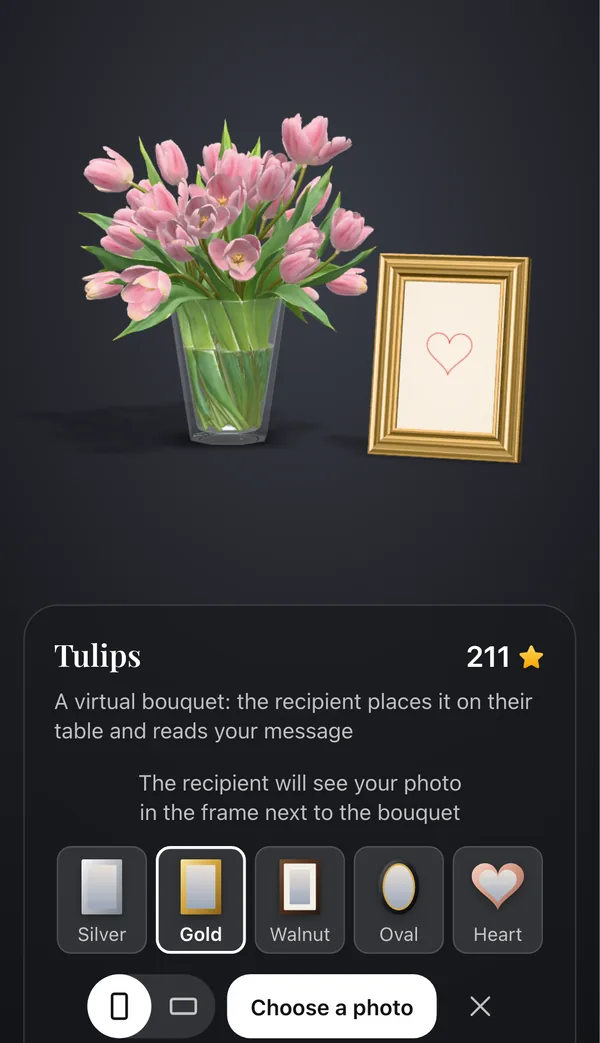
Pick a frameTap “Add a framed photo” and the frame appears beside the bouquet. Cards pick the style, a switch turns it sideways. -
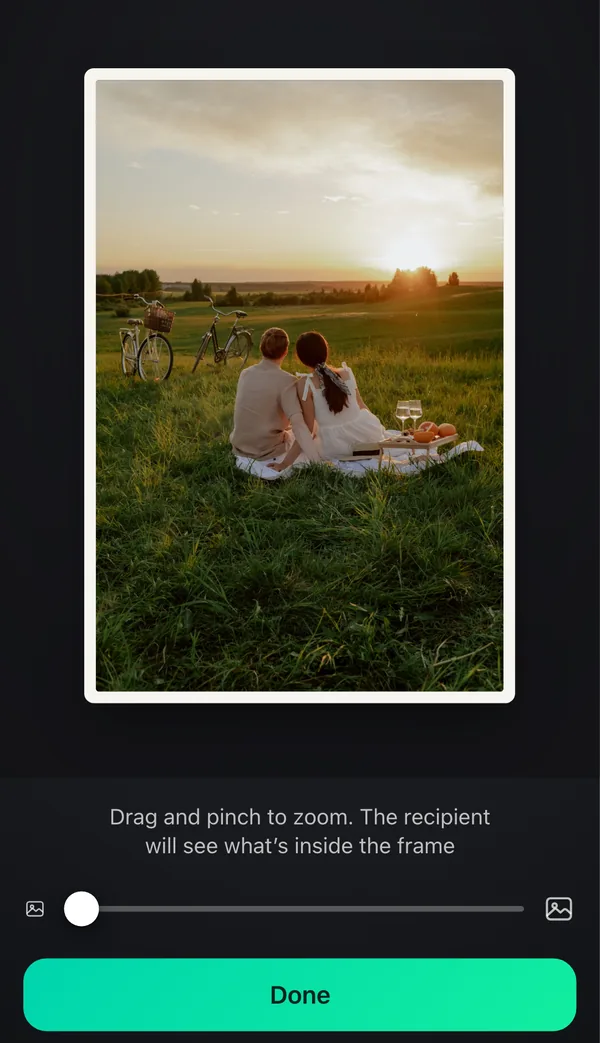
Crop the photoMove and zoom a picture from your gallery with your fingers. The frame shows exactly what you see in the window. -
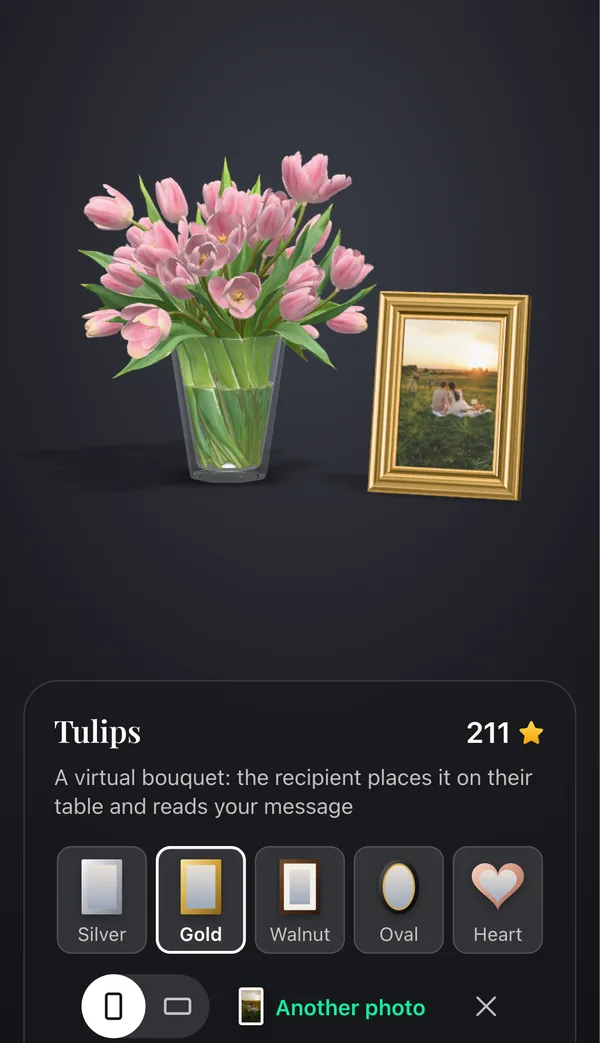
The photo in the frameThe framed photo stands next to the bouquet. This is how the recipient sees the gift and can place it on their table through the camera.
Five frames to choose from
The same photo in each frame. You can change the frame after the photo is in, with no need to pick the picture again.
-

SilverA light frame that suits any bouquet. The default. -

GoldA classic gilded frame, like on a painting. -

WalnutDark wood with a gold edge and a white mat. -
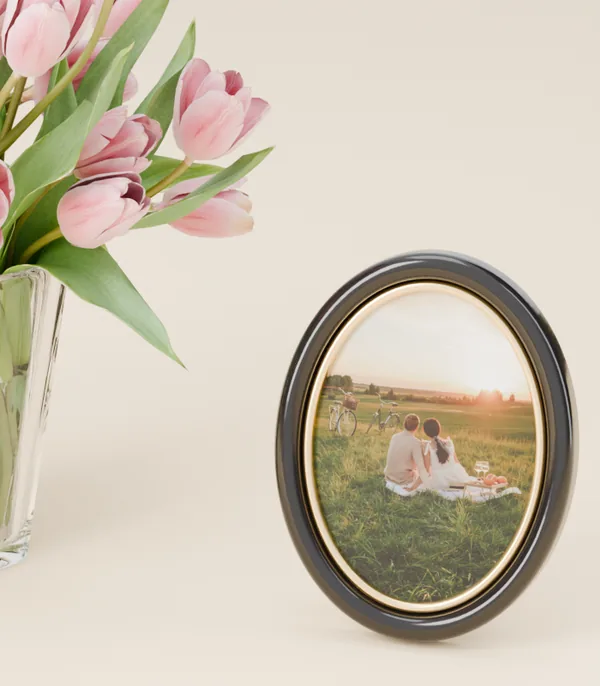
OvalBlack lacquer with a gold bead and an oval window, like an old portrait. -

HeartRose gold on a stand with a heart-shaped window. Upright only.


Bouquets the frame goes with
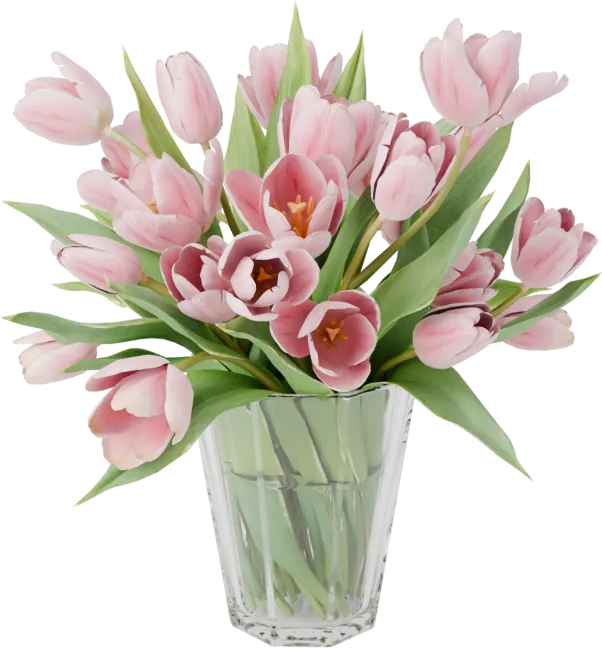
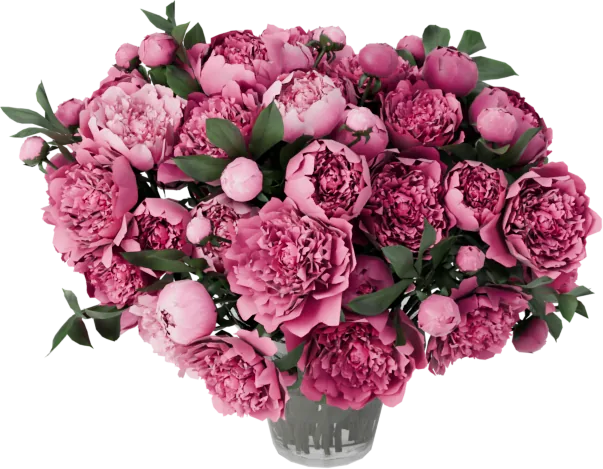
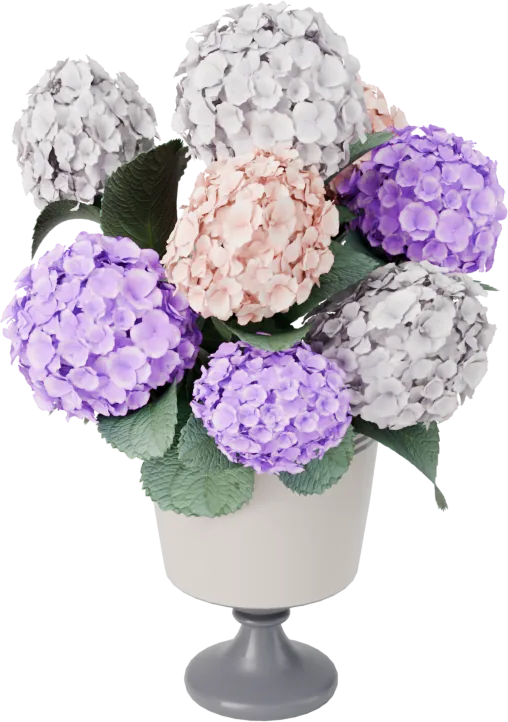
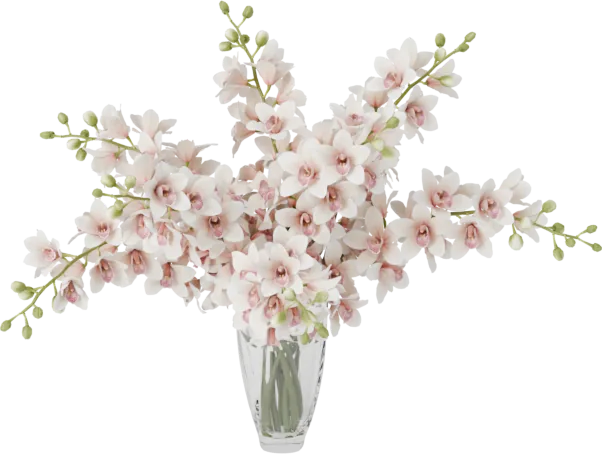
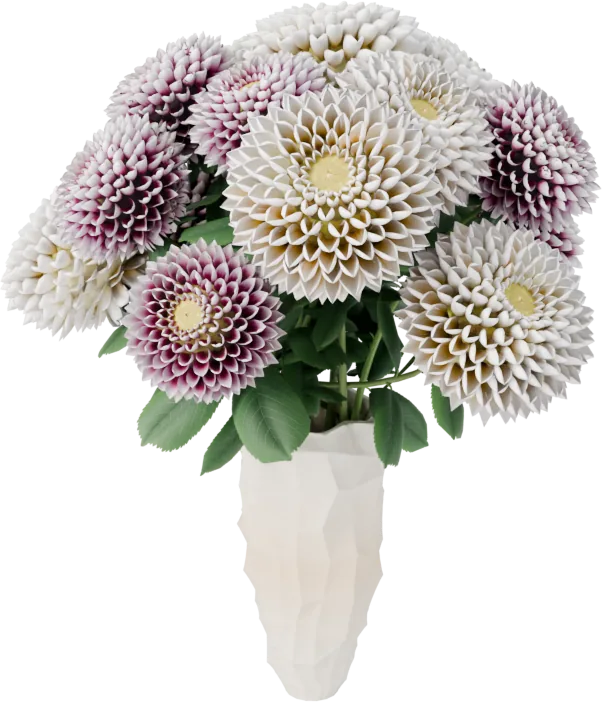
The frame can be added to 25 bouquets; here are eight of them. Tap a bouquet to take a closer look.
-
-

-
-
-
-

-
-



Prices in Telegram Stars. The rose bear and the amaryllis come with their own white frame; the amaryllis with a photo is free.
What happens to your photo
The original picture stays on your phone. Only the part shown in the frame goes to the server, so the recipient can see it. The photo opens only in your gift.
If you change your mind, tap “Remove photo” or “Another photo” before sending. Without the frame the bouquet looks the same as in the catalog.
Questions about the photo frame
How much does the photo frame cost?
Nothing extra: you only pay for the bouquet. The orchids and the amaryllis with a photo are free to send.
Won’t they mind that the flowers aren’t real?
Usually not, as long as the reason is clear: you’re far away, it’s a last-minute greeting, or you want your words to come with something they can see. If you’re nearby and have time, real flowers are better. You can also do both: send the bouquet now and bring real flowers when you meet.
Is it a real photo frame that gets delivered?
No. The frame and the bouquet are 3D but virtual: you see them on screen and on your table through the phone camera. We don’t print or post photos.
Can I change the frame after adding the photo?
Yes. Tap another frame and the app refits the same picture to it.
Where does my photo go?
The original stays on your phone. Only the cropped frame goes to the server, and it opens only in your gift.
Can I hang photos on a Christmas tree?
Yes. The Christmas tree with your photos has no frame, but up to five of your pictures hang on its sixteen tags at no extra cost. See the Christmas tree with your photos.
Where do I get Telegram Stars?
If you don’t have enough, Telegram offers to buy them right in the payment window, the usual way for your phone. There is nothing else to install.
Put your photo beside the flowers
Open VirtFlowers in Telegram, pick a bouquet and a frame. You can try frames and the photo before paying.
Choose a bouquet in TelegramUpdated:
